- Make sure you are hardwired into your router.
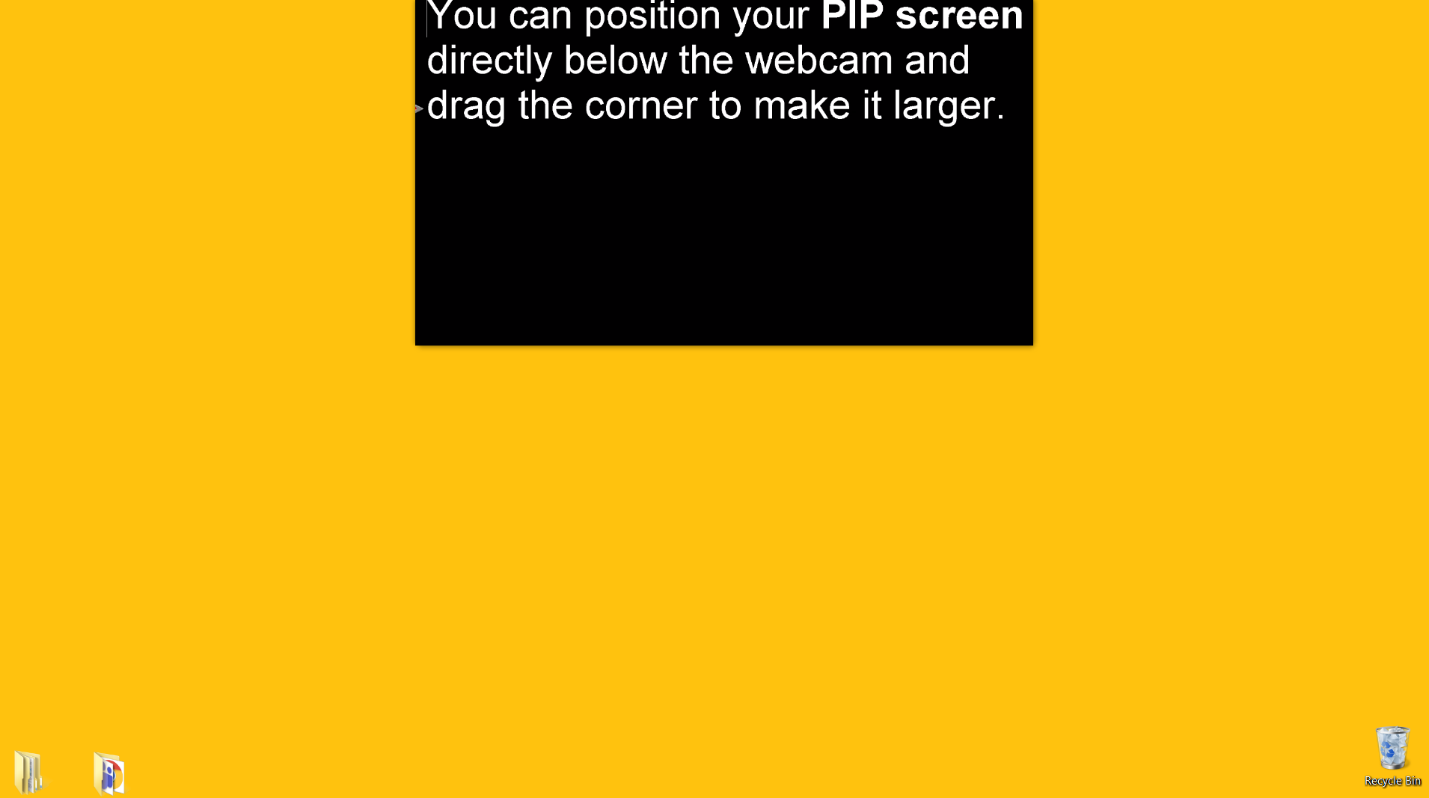
- Hover cursor over the PROMPTER VIDEO PLAYER screen.
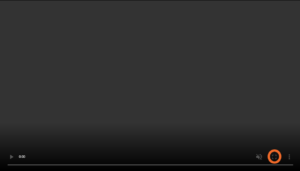
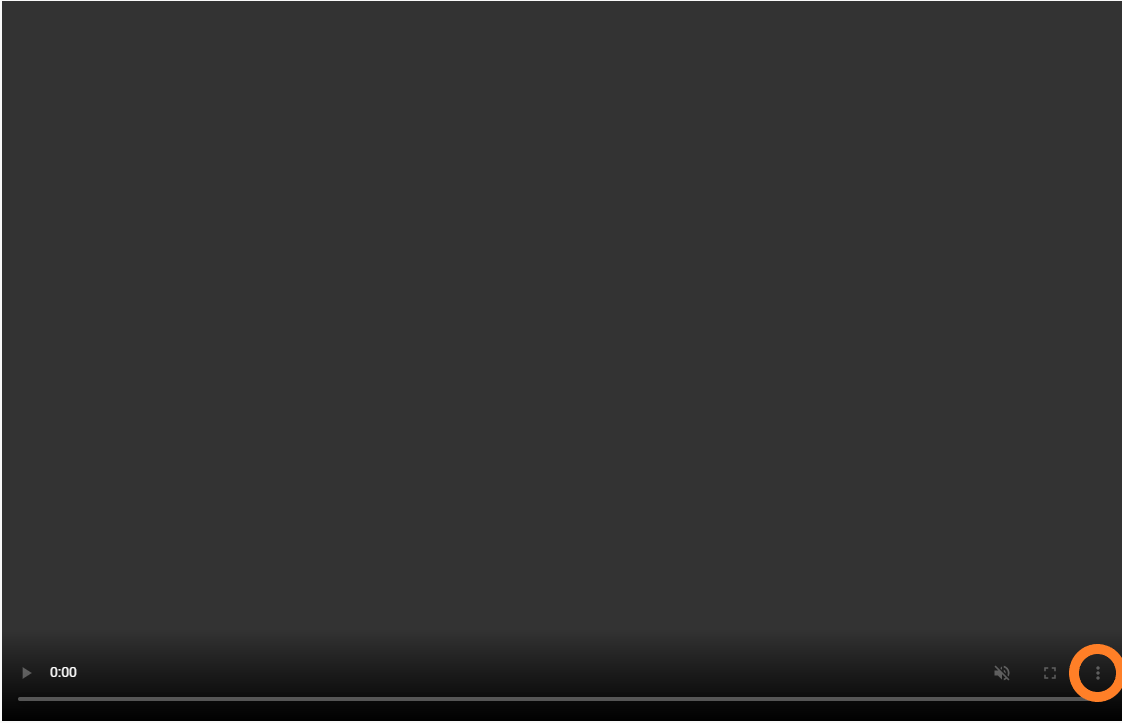
- Click on the three dots in lower right corner.
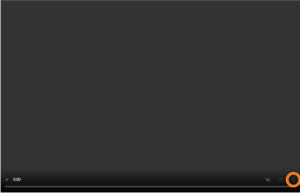
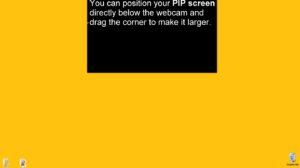
- Choose “picture in picture”.
- Adjust window size and location as desired.
- To view prompter video in full screen, click on the full screen icon at the bottom right.

- Scroll down until the PROMPTER VIDEO PLAYER fills your screen.
- Tap on the PROMPTER VIDEO PLAYER screen.
- Click on diagonal double arrow icon in upper left of window to expand to full screen.
- Rotate device to horizontal orientation for best viewing.

- Tap on the PROMPTER VIDEO PLAYER screen.
- Click on the icon at the bottom right to expand to full screen.

- Rotate device to horizontal orientation for best viewing.

- Tap or hover on the PROMPTER VIDEO PLAYER screen.
- If the scroll freezes, refresh the page.